Monthly Budget Planner
Plan every month, log what you spend, and see budget vs. actual for each category.
- Instant download
- One-time purchase, yours forever
- Works in Excel & Google Sheets
How you get it
- 1Pay securely
- 2Download instantly (and by email)
- 3Open in Excel or Google Sheets
What's inside
Month dashboard: budget vs. actual, over-budget alerts
Year overview with income vs. expenses chart
Spending by category for all 12 months
Up to 30 categories, any currency
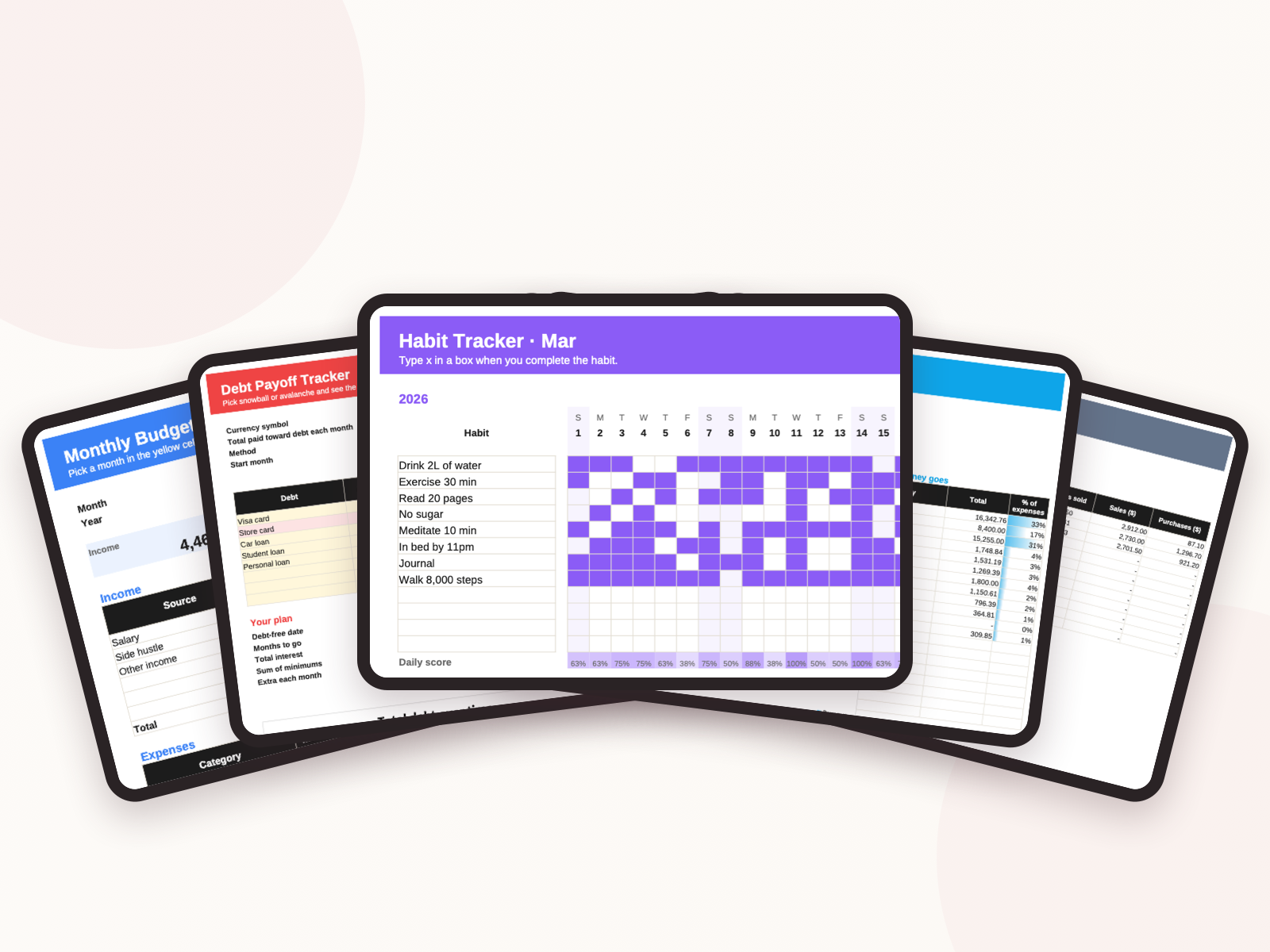
Set a budget for each category once. Log income and expenses as they happen — pick the category from a dropdown. The monthly dashboard shows what you planned, what you spent and what's left, and turns red when a category goes over. The year view adds up every month and shows spending by category across the whole year.
Good to know
Instant download: you get the template as an Excel file (.xlsx) in English, Japanese, Chinese and Vietnamese. Open it in Excel, or in Google Sheets via File → Import.
Is there a subscription?
No. Every template is a one-time purchase and yours forever.
How do I get my template?
Right after payment your order page shows the download buttons, and we email you the same link. Each template comes as .xlsx files in English, Japanese, Chinese and Vietnamese.
What do I need to use it?
Microsoft Excel (Microsoft 365 or 2016+), or a free Google account: in Google Sheets choose File → Import → Upload, or upload the file to Google Drive and open it with Google Sheets.
I paid but nothing happened.
Bank transfers are usually confirmed within minutes. If it takes longer, email us with your order code.
You may also like
Monthly Budget Planner