Debt Payoff Tracker
Snowball or avalanche — see the exact month you'll be debt-free and how much interest you'll pay.
- Instant download
- One-time purchase, yours forever
- Works in Excel & Google Sheets
How you get it
- 1Pay securely
- 2Download instantly (and by email)
- 3Open in Excel or Google Sheets
What's inside
Debt-free date and total interest
Snowball & avalanche in one click
Month-by-month plan for up to 8 debts
Chart of your total debt going down
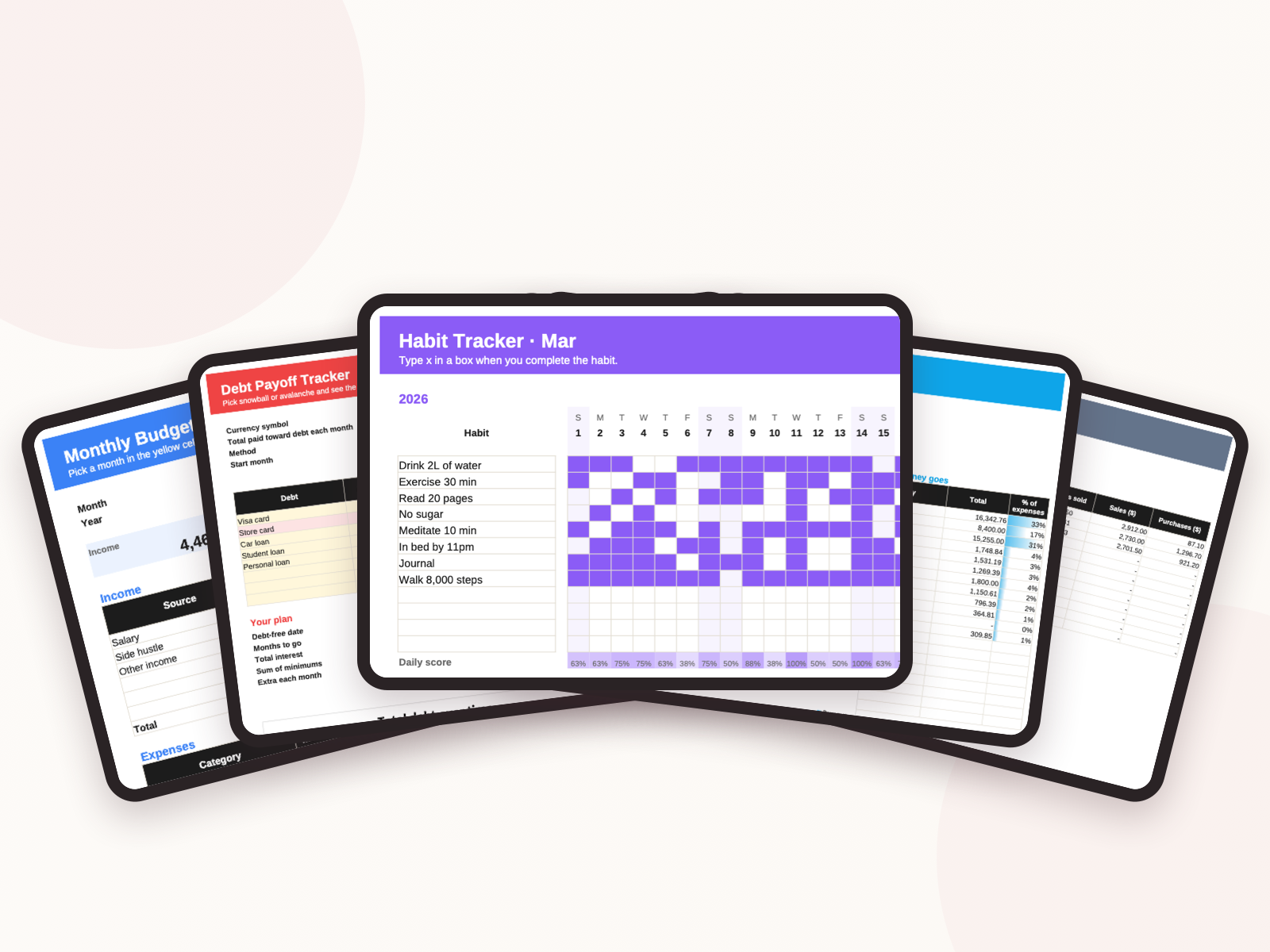
List your debts with balance, interest rate and minimum payment, then enter what you can pay each month in total. The tracker builds a month-by-month plan: every debt gets its minimum, the extra goes to the debt you're focusing on, and when one is paid off its payment rolls into the next. Switch between snowball and avalanche to compare.
Good to know
Instant download: you get the template as an Excel file (.xlsx) in English, Japanese, Chinese and Vietnamese. Open it in Excel, or in Google Sheets via File → Import.
Is there a subscription?
No. Every template is a one-time purchase and yours forever.
How do I get my template?
Right after payment your order page shows the download buttons, and we email you the same link. Each template comes as .xlsx files in English, Japanese, Chinese and Vietnamese.
What do I need to use it?
Microsoft Excel (Microsoft 365 or 2016+), or a free Google account: in Google Sheets choose File → Import → Upload, or upload the file to Google Drive and open it with Google Sheets.
I paid but nothing happened.
Bank transfers are usually confirmed within minutes. If it takes longer, email us with your order code.
You may also like
Debt Payoff Tracker